Español
 عربى
عربى русский
Patch Cables, Keystone Jacks & Cable Management: The Complete Guide
Everything you need to know about patch cords, 110 blocks, Cat7 jacks, connectors, and smart cable organization — from rack to wall outlet.
What Is a Patch Cable and What Is It Used For?
A patch cable (also called a patch cord or patch lead) is a short, flexible network cable used to connect two devices or link a device to a patch panel port. It is the final link in a structured cabling system — connecting your switch to a patch panel, or a wall outlet to a laptop or PC.
Patch cables are typically terminated with RJ45 connectors on both ends and come in Cat5e, Cat6, Cat6A, and Cat7 variants. They differ from solid-core backbone cables in that they use stranded copper wire, making them more flexible and suitable for repeated bending.
Common uses of a patch cable
- Connecting a PC or laptop to a wall keystone jack
- Linking patch panel ports to a network switch
- Short runs between rack-mounted equipment
- Home lab and office LAN setups
- Temporary or test connections during installation
The purpose of a patch cord is essentially flexibility and accessibility — it makes your structured cabling system modular and easy to reconfigure without disturbing permanent in-wall runs.
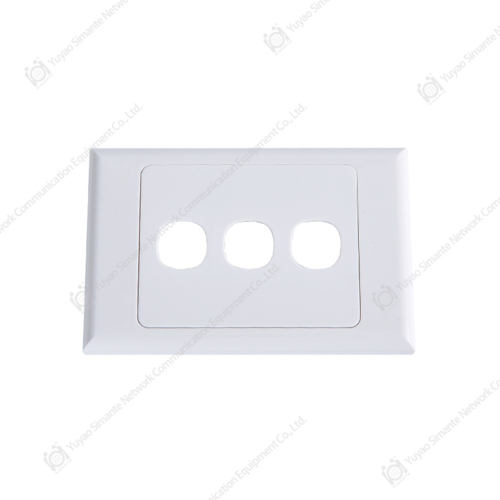
Patch cord — smartyy.com
Keystone Jack Cat 7 and Cat6e: What You Need to Know
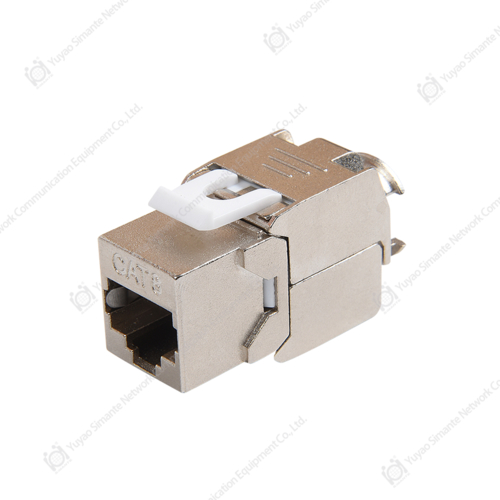
CAT7 Keystone Jack — smartyy.com
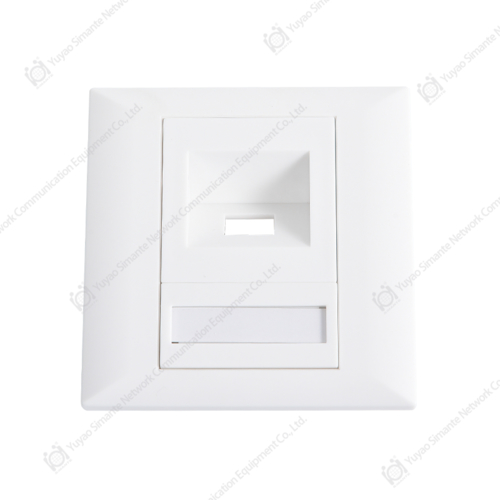
Keystone jacks are modular connectors that snap into wall plates, surface boxes, or patch panels. They terminate the solid-core horizontal cable run and provide an RJ45 port for patch cables to plug into.
For Cat7 installations, keystone jacks use a GG45 or TERA connector standard — not the standard RJ45 — though many Cat7-rated keystone jacks still include backward-compatible RJ45 interfaces. Cat6e (an informal term bridging Cat6 and Cat6A) jacks are typically toolless or 110-punchdown types, rated for 10 Gbps up to 55 meters.
Keystone jack category comparison
| Category | Max Speed | Bandwidth | Connector | Best Use |
|---|---|---|---|---|
| Cat6 | 1 Gbps | 250 MHz | RJ45 | Standard office LAN |
| Cat6A/6e | 10 Gbps | 500 MHz | RJ45 | Data centers, high-speed LAN |
| Cat7 | 10 Gbps+ | 600 MHz | GG45/TERA | Future-proof enterprise |
When selecting a Cat7 keystone jack, confirm whether your patch cables and switches support the GG45 standard. In most home and small business scenarios, Cat6A keystone jacks offer the best balance of cost and performance without compatibility headaches.
110 Blocks and 110 Block Patch Panels Explained
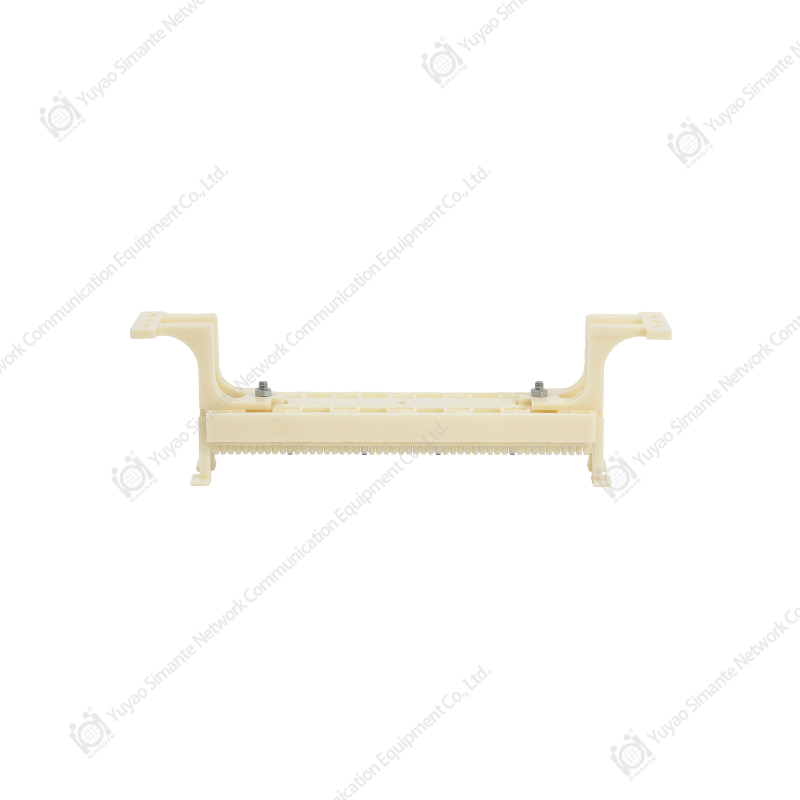
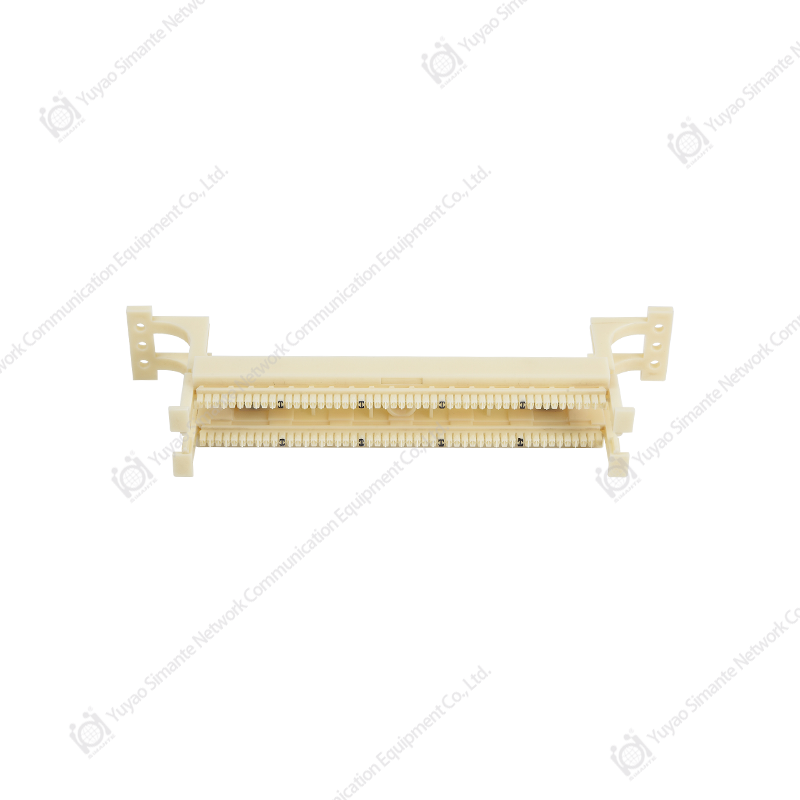
A 110 block is a type of punchdown wiring block used to terminate and cross-connect copper telephone or data cables. Each wire is pressed ("punched") into an insulation displacement contact (IDC) slot, which cuts through the insulation to make a reliable connection — no soldering or stripping required.
110 block vs. 110 block patch panel
- Standalone 110 block: Wall-mounted, used in telecom closets for cross-connecting horizontal cables. Common in legacy voice and data systems. A typical 100-pair block handles up to 25 four-pair Cat5e/Cat6 runs.
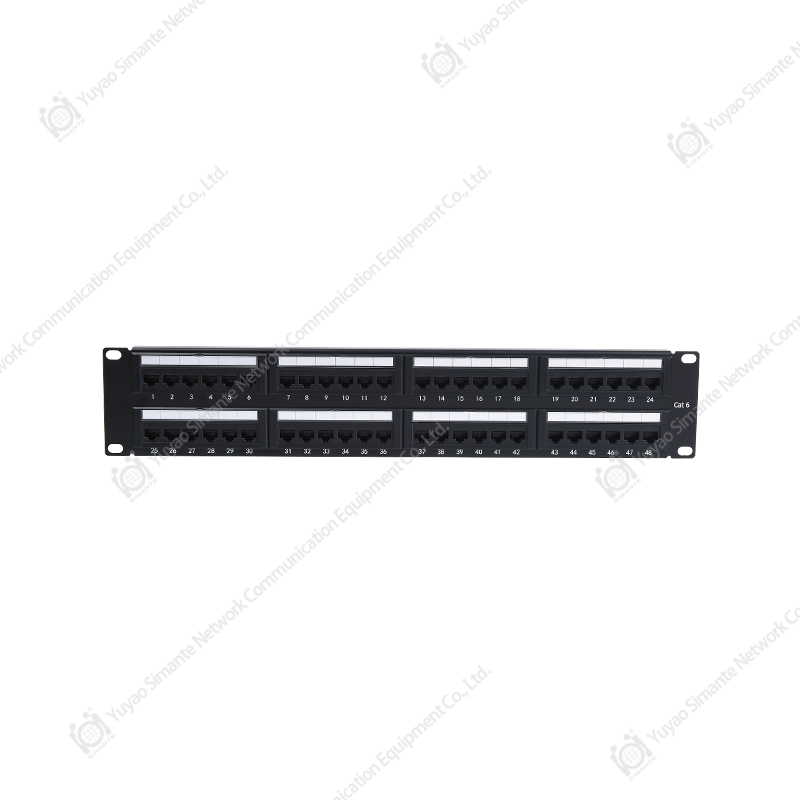
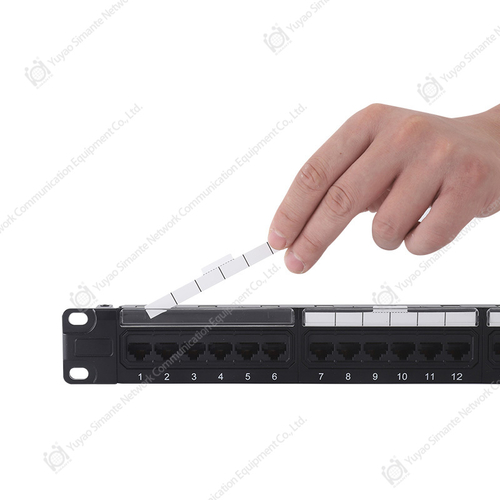
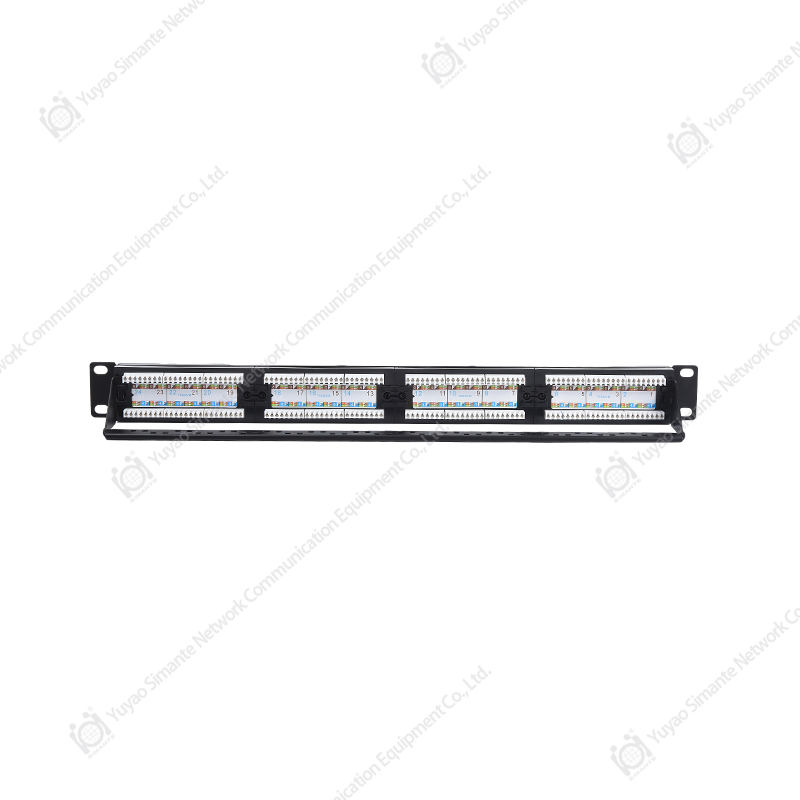
- 110 block patch panel: A rack-mount version that combines 110 IDC punchdown on the rear with RJ45 ports on the front — making it compatible with standard patch cables.
The term "patpanel" is simply an informal shorthand for patch panel. A 24-port or 48-port 110-type patch panel is the most common rack unit used in small-to-medium installations.
How to punch down a 110 block
- Strip about 2 inches of the outer jacket from your Cat6/Cat7 cable
- Untwist pairs minimally — keep untwisted length under ½ inch (13 mm)
- Lay each wire into its color-coded slot following T568A or T568B
- Use a 110 punchdown tool (impact type) to seat and trim each wire
- Verify with a cable tester before routing patch cables
110 block & CAT6 patch panel — smartyy.com
The Male Connector on HPA Lines and Other Common Connector Terms
RJ45 male connector (connecteur mâle) — smartyy.com
In HPA (High Power Amplifier) RF lines, the male connector is most commonly an N-type male or SMA male connector, depending on frequency range and power level. The "male" side refers to the pin (center conductor) that inserts into the female socket. In French, this is called a "connecteur mâle" — the terminology is the same concept regardless of language.
Common male connector types by application
- RJ45 male: Ethernet patch cables — the most common in structured cabling
- N-type male: HPA and RF coaxial lines, rated for high power up to several kW
- SMA male: Smaller RF applications, up to 18 GHz
- USB-A / USB-C male: Standard data and power connections on USB wire holders
- IEC C13/C14 male: Power distribution in server rack environments
Cable Organization: USB Wire Holders, Cable Pouches, and DIY Solutions
Whether you're managing a server rack, a home office, or a travel kit, cable organization directly affects cable longevity, airflow, and troubleshooting speed. A messy rack can increase troubleshooting time by 30–50% compared to a labeled, organized one.
Vertebrae cable management
"Vertebrae cable" refers to a modular, spine-like cable management channel — each segment snaps together like vertebrae, allowing cables to be routed, added, or removed without cutting ties. These are popular for desk setups and gaming battlestations where cable routing changes frequently.
Yamazaki cable management box
The Yamazaki cable management box is a minimalist Japanese-designed enclosure that hides power strips, adapters, and excess cable lengths inside a ventilated wooden or steel box. Dimensions are typically around 32 × 13 × 11 cm.
DIY cable organizer ideas
- Binder clip rail: Attach binder clips to desk edge to hold USB cables — costs under €1
- Toilet paper roll bundles: Store coiled cables in labeled cardboard tubes
- PVC conduit trunking: Mount along skirting boards to route multiple cables invisibly
- Pegboard + hooks: Wall-mounted with labeled hooks for patch cables, coax, and leads
Travel cable organiser and cable pouches
A travel cable organiser typically features elastic loops, zip compartments, and mesh pockets. Key features to look for:
- Water-resistant outer shell (nylon or polyester)
- At least 6–8 elastic loops for cables of different gauges
- Compact size: around 20 × 13 cm fits most laptop bags
- Lay-flat design for easy access at airport security
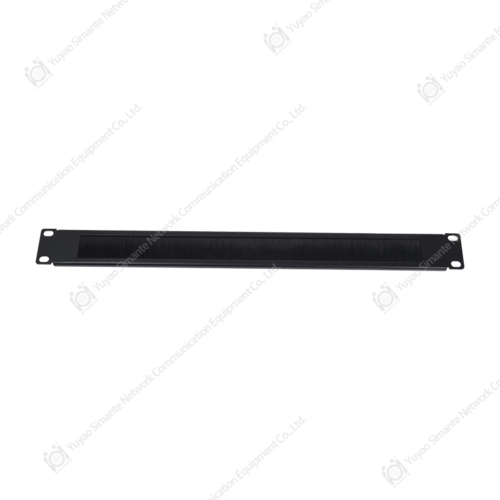
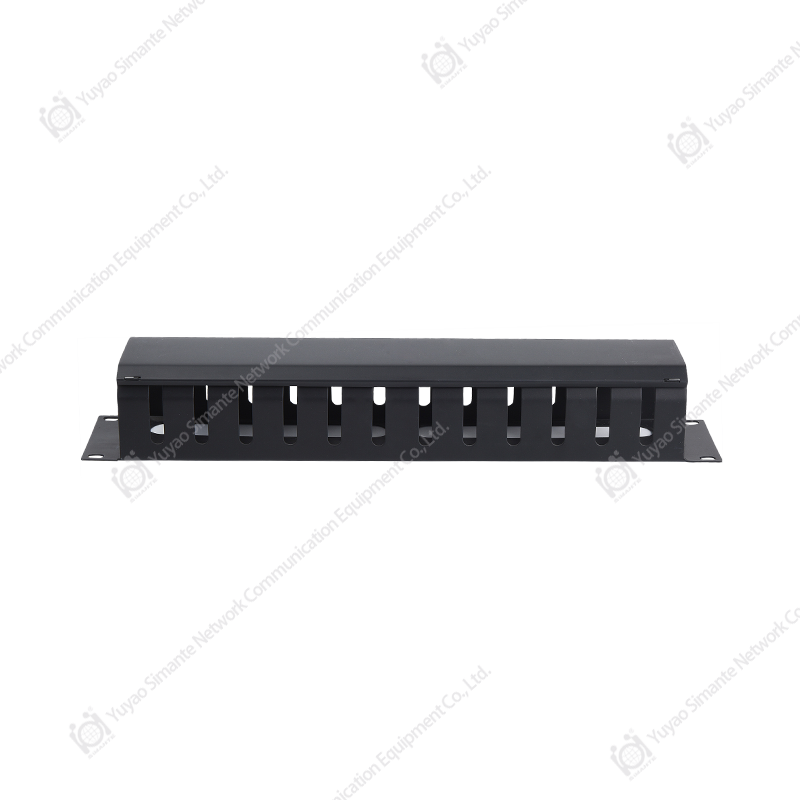
Cable management products — smartyy.com
FAQ: Keystone Jacks, Patch Cables, and 110 Blocks
Patch cable vs. patch lead — what's the difference?
None — they are the same thing. "Patch lead" is used in the UK and Australia; "patch cable" or "patch cord" is standard in North America. Both refer to a short stranded-core cable with RJ45 connectors.
Can I use a Cat7 patch cable with a Cat6 patch panel?
Yes, with caveats. Cat7 cables with standard RJ45 plugs are backward compatible with Cat6 panels, but the link will only perform at Cat6 speeds. True Cat7 performance requires GG45 or TERA connectors throughout.
What is a 110 block used for today?
Primarily in legacy telephone systems and older structured cabling. In modern data installations, the 110 punchdown method lives on through patch panels — the IDC punchdown rear still uses 110-style termination.
How many patch cables does a 24-port panel need?
Up to 48 patch cables for a fully populated panel — 24 to the switch, 24 to wall outlets. In practice, with a 60–70% utilization rate, roughly 30–35 patch cables are typical.
What length patch cable should I buy?
For rack-to-switch: 0.5 m to 1 m. For workstation-to-wall: 2 m to 5 m. Avoid excess length — it creates clutter and can marginally increase signal attenuation at high frequencies.
What are Cat6e jacks?
An informal term bridging Cat6 and Cat6A. These jacks are typically rated for 10 Gbps up to 55 meters, using the same RJ45 footprint as standard keystone jacks but with tighter tolerances for crosstalk reduction.