Español
 عربى
عربى русский
Content
In modern network infrastructure, CAT6 Keystone Jack are a key component for achieving high-speed, reliable data transmission. Whether it's a home network upgrade or an office cabling project, correctly crimping CAT6 Keystone Jack is a crucial step in ensuring optimal network performance.
Why Choose CAT6 Keystone Jack?
CAT6 (Category 6) cable offers significant advantages over traditional CAT5e in supporting higher data transmission rates and wider bandwidth, supporting speeds up to 10 Gbps (over shorter distances). Keystone outlets (trapezoidal outlets), as a standardized interface, are widely used in patch panels, wall-mounted information panels, and surface-mount boxes due to their modularity, ease of installation, and maintenance. Choosing CAT6 Keystone Jack means your network can meet high bandwidth demands for years to come.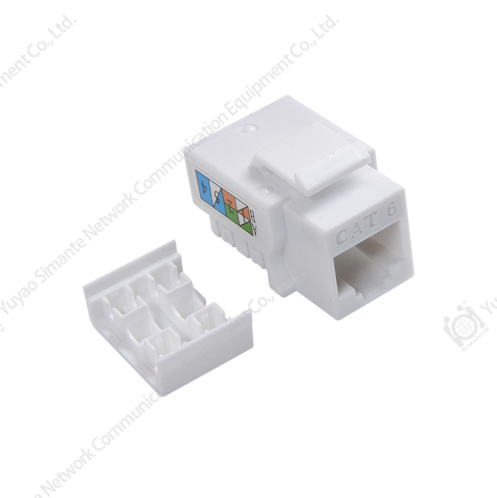
Required Tools and Materials
Before you begin crimping, ensure you have the following tools and materials ready:
CAT6 Unshielded or Shielded Twisted Pair Cable (UTP/STP): Choose the appropriate cable based on your environment.
CAT6 Keystone Socket: Ensure you purchase a CAT6 type compatible with your cable.
Impact Tool: Typically a Type 110 or Krone, used to push the wire conductors into the IDC terminal of the socket.
Wire Stripper: Used to remove the cable sheath.
Wire Cutters/Diagonal Cutters: Used to trim excess wire conductors.
Cable Tester: Used to test connectivity after crimping.
Detailed Steps: How to Professionally Crim a CAT6 Keystone Socket
Properly crimping a CAT6 Keystone socket follows a strict set of standard procedures to ensure a stable connection between the cable conductors and the socket terminal.
Step 1: Preparing the Cable (Stripping)
Carefully strip approximately 1 to 1.5 inches (about 2.5 to 3.8 cm) of the CAT6 cable sheath using a wire stripper. Be careful not to damage the four twisted pairs inside. After stripping the outer sheath, remove the twisted pair from the center insulator and carefully untie and straighten each pair of wires.
Step Two: Choose the Wiring Standard (T568A or T568B)
All CAT6 Keystone Jack will be marked with either T568A or T568B wiring standards. You need to choose one based on your network cabling standard. Consistency must be maintained throughout the cabling project (T568B is typically used in commercial and residential environments).
T568A Sequence: Green-White-Green | Orange-White-Blue | Blue-White-Orange | Brown-White-Brown
T568B Sequence: Orange-White-Orange | Green-White-Blue | Blue-White-Green | Brown-White-Brown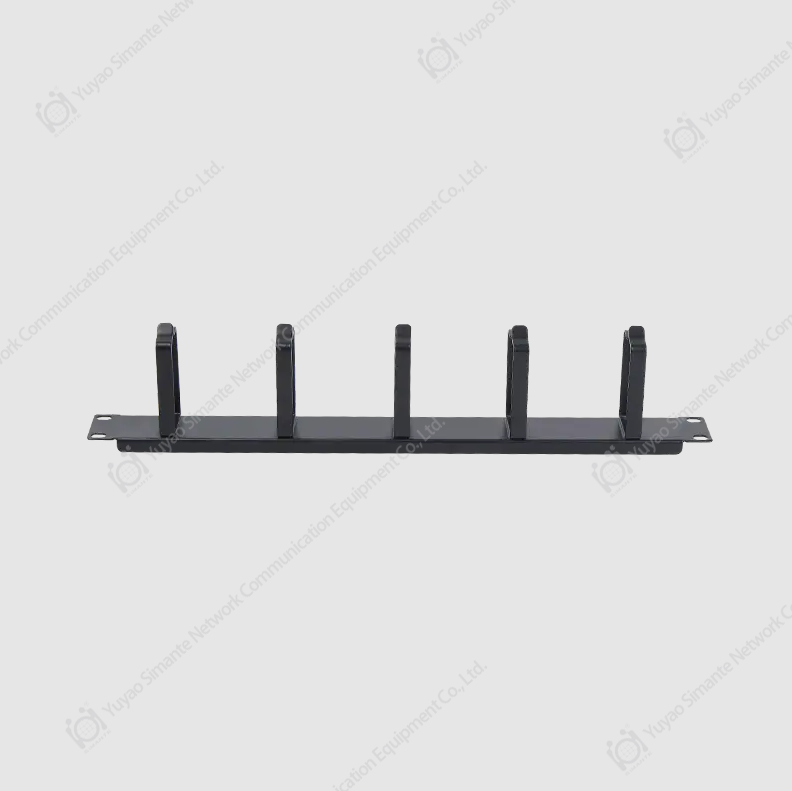
Step Three: Place and Align the Wires
Depending on your chosen T568A or T568B standard, place the eight untied and straightened wires into their corresponding color-coded slots on the Keystone outlet. Allow the ends of the wires to extend slightly beyond the edge of the socket, ensuring they lie neatly within the slots.
Step Four: Crimp with a Punch-Off Tool (Core Step)
This is the most crucial step in crimping a CAT6 Keystone socket.
Point the punch-off tool towards the outer edge of the socket.
Perpendicular to the socket, press the punch-off tool firmly down. This will cut the wires into the V-groove of the IDC terminal, completing the electrical connection, and simultaneously trimming any excess wire ends.
Repeat this process for all eight wires until all are properly secured.
Tip: Ensure even pressure is applied when punching and you hear a "click," indicating a successful connection.
Step Five: Check and Test
Before installing the Keystone socket onto the wall panel, carefully check that all wires are properly crimped in place and that there are no loose or short circuits. Finally, use a cable tester to test the complete CAT6 link (from patch panel to wall socket) to confirm that all eight wires are conductive and free from crosstalk or faults.
Additional Notes
IDC Terminal (Insulation Displacement Connector): An insulation piercing connector, the metal slot in a Keystone socket used to connect the wires.
CAT6A (Enhanced Category 6): Offers superior performance compared to CAT6, supporting longer distances of up to 10 Gbps.
Network Cabling: Covers the entire infrastructure construction, including cable laying, Keystone socket crimping, and patch panel installation.
T568B Standard: The most commonly used network cabling standard currently.
By following the detailed steps above, you will be able to professionally and efficiently crimp CAT6 Keystone sockets, providing a solid and reliable foundation for your network.