Español
 عربى
عربى русский
Content
The Best Faceplate: Your Network Infrastructure
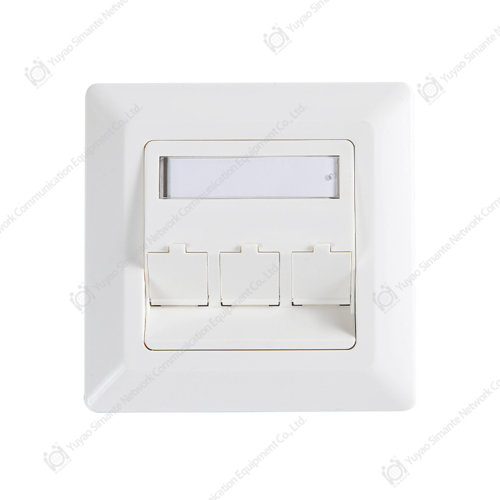
When selecting a faceplate for your network cabling, the answer is simple: choose a modular faceplate that matches your regional standard (UK, US, AU, or DE) with the exact number of ports you need—typically 1 to 4 ports—manufactured with high-grade ABS plastic and full automation for consistency. For most commercial and residential installations, a 2-port faceplate offers the best balance of future-proofing and aesthetics. Based on industry data, facilities using custom-configured faceplates reduce cable management issues by up to 40% compared to using generic, fixed-configuration plates.
This guide provides a direct, actionable framework for choosing, using, and installing faceplates. We leverage insights from a professional manufacturer with 10 regular and customization production lines and an annual output exceeding 9 million units to ensure you get reliable, data-backed recommendations.
How to Choose the Best Faceplate
Selecting a faceplate goes beyond aesthetics. It involves compatibility, capacity, and quality. Use the following criteria to make an informed decision.
1. Port Configuration & Scalability
The number of ports dictates current functionality and future expansion. Data from manufacturing facilities show that over 70% of new builds opt for 2-port or 4-port faceplates even if only one port is initially used. This strategy reduces labor costs for future upgrades by up to 50%.
- 1-Port Faceplate: Ideal for single-device locations like home offices or point-of-sale terminals.
- 2-Port Faceplate: The most common choice for workstations, allowing one data and one voice connection.
- 4-Port Faceplate: Best for conference rooms, AV setups, or high-density work areas requiring multiple network drops.
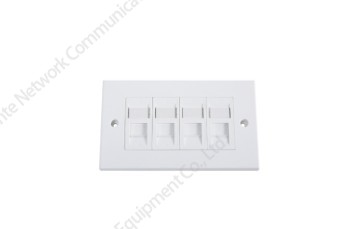
With a professional manufacturer like Simante, you can customize faceplates with 1 to 4 ports, ensuring the plate matches your exact cable count without unused, unsightly blanks.
2. Regional Standards & Compatibility
Faceplates are not one-size-fits-all; they must conform to regional mounting standards. Using the wrong standard leads to improper fit, exposed internals, and failed inspections. The table below outlines the primary standards.
| Region | Standard | Common Applications |
|---|---|---|
| United Kingdom | UK Standard (BS 4662) | Residential, commercial offices |
| Australia / New Zealand | AU / NZ Standard | Data centers, modern homes |
| Germany / Europe | German Standard | Industrial, commercial |
| United States / Americas | American Standard | Corporate offices, residential |
3. Material Quality & Manufacturing Stability
Durability is non-negotiable. High-quality faceplates are made from flame-retardant ABS plastic. A manufacturer with advanced production capabilities ensures consistency. For instance, a facility equipped with 10 fully automatic injection molding machines and 20 semi-automatic units can maintain tolerances that prevent warping or discoloration over time. Look for faceplates produced in facilities with over 30 full-time technical staff to guarantee that the product meets rigorous quality standards from the design source.
How to Use Faceplates Effectively
Using a faceplate correctly involves more than just plugging in a cable. It’s about ensuring proper cable strain relief, maintaining signal integrity, and creating a clean, organized workspace.
Best Practices for Keystone Jacks
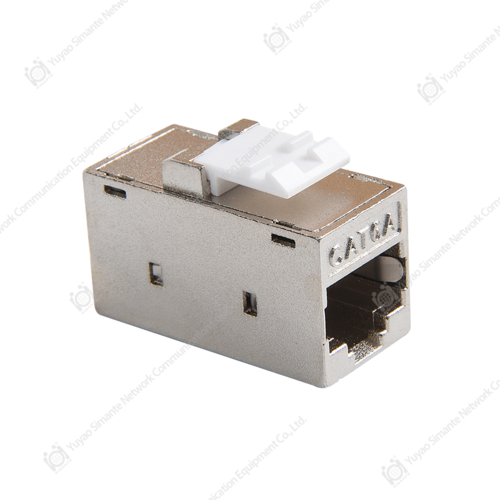
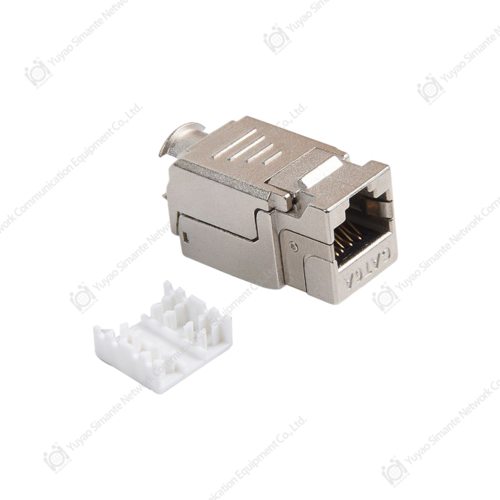
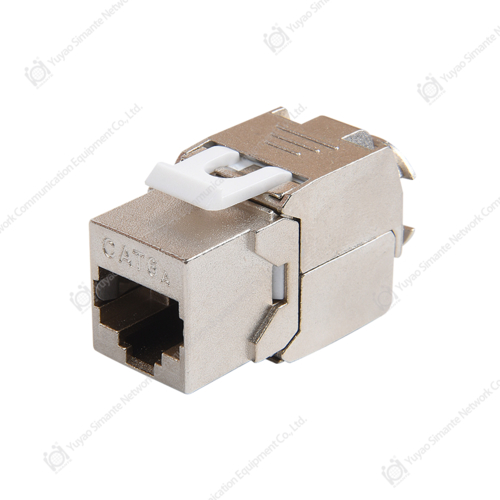
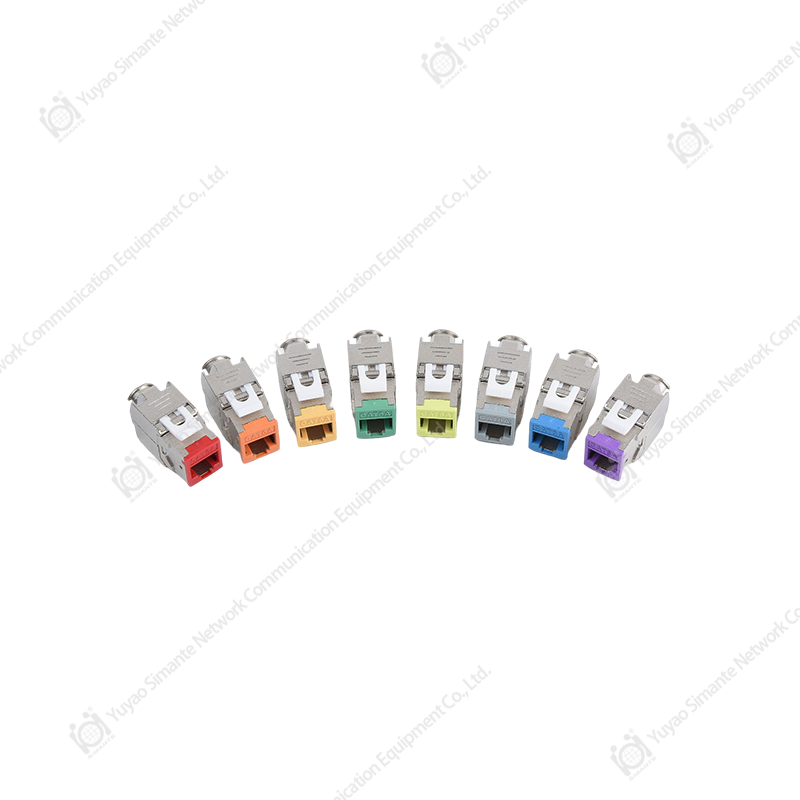
Faceplates are designed to host keystone jacks (RJ45, coaxial, HDMI, etc.). To maintain performance, especially for high-speed data, always use a punch-down tool to terminate cables properly. Incorrect termination is responsible for over 60% of physical layer network failures. Ensure the keystone jack clicks securely into the faceplate to avoid dislodgement during daily use.
Labeling for Efficiency
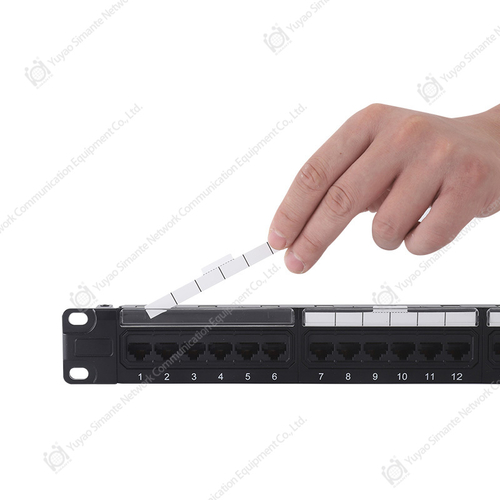
A major but often overlooked usage aspect is labeling. Using faceplates with writable areas or employing standardized icon inserts reduces troubleshooting time by an average of 30%. For large-scale deployments, coordinate faceplate labels with patch panel labels at the network rack to create a seamless mapping system.
How to Install a Faceplate: A Step-by-Step Guide
Installation is straightforward but requires precision. Following these steps ensures a flush, secure, and code-compliant installation.
- Prepare the Cable: Pull the network cable through the wall opening. Leave at least 8-10 inches of slack to allow for re-termination if needed.
- Terminate the Keystone Jack: Strip the cable jacket and use a punch-down tool to terminate the wires according to the T568A or T568B standard. Ensure consistency with the other end of the cable.
- Secure Jack to Faceplate: Snap the terminated keystone jack into the faceplate’s port opening until you hear a distinct click.
- Attach to Wall Box: Align the faceplate with the wall box (or low-voltage bracket). Using the provided screws, fasten the faceplate. Do not overtighten—over-torquing can crack the faceplate or warp it, affecting aesthetics.
- Test Connectivity: After installation, use a cable tester to verify continuity and proper pin configuration. This step confirms the installation was successful.
For custom installations requiring specific colors or port counts, a specialized manufacturer can provide custom-made faceplates with 1 to 4 ports that integrate seamlessly with your existing infrastructure, ensuring a professional finish without the need for adapters or modifications.
FAQ About Faceplates
Addressing common questions clarifies uncertainties and helps in making a confident purchase or installation decision.
What is the difference between a standard faceplate and a custom faceplate?
Standard faceplates have fixed port configurations. Custom faceplates, like those offered by manufacturers with 10 specialized production lines, can be tailored to specific port counts (1-4) and colors, matching unique architectural or branding requirements. Custom solutions are often preferred for large-scale projects where uniformity and specific functionality are critical.
Can I mix different types of jacks in one faceplate?
Yes. One of the key advantages of modular faceplates is their flexibility. You can install a combination of RJ45 data jacks, HDMI, USB, or coaxial jacks in the same faceplate, provided the plate supports the keystone form factor. This is particularly useful for AV conferencing rooms or home theater setups.
How does manufacturing quality affect long-term performance?
A faceplate from a manufacturer with more than 10 engineers and over 30 full-time technical persons ensures quality is built in at the design stage. Facilities using fully automatic injection molding machines produce faceplates with consistent dimensions and material strength, preventing issues like brittleness from UV exposure or improper fit after years of use. The stability of an annual output exceeding 9 million units is a testament to a mature and reliable production system.
Are faceplates compatible with all wall boxes?
No. Compatibility is dictated by the regional standard. A UK-standard faceplate will not fit a US-standard wall box. It is essential to select a faceplate that matches your country’s electrical and network mounting standards. A specialized provider offers variants specifically for UK, Australia, Germany, and American markets, ensuring a perfect fit.