Español
 عربى
عربى русский
Content
- 1 How Do Patch Panels Work? A Straight Answer
- 2 Inside a Patch Panel: How the Signal Path Works
- 3 Common Types of Patch Panels and Their Characteristics
- 4 Matching the Patch Panel to the Cable Rating
- 5 Why Use a Patch Panel? Benefits and Real Scenarios
- 6 How to Wire and Maintain a Patch Panel
- 7 Fiber Optic Patch Panels: Same Role, Different Termination
- 8 What to Check When Buying Patch Panels from a Manufacturer or Wholesaler
- 9 Related Reading from the Simante Knowledge Base
- 10 Frequently Asked Questions About Patch Panels
How Do Patch Panels Work? A Straight Answer
If you have ever opened a network rack and asked yourself how do patch panels work, the direct answer is that a patch panel is a passive termination and patching point. It does not boost, filter, or switch signals. What it does is give every horizontal cable a fixed position on the back of the rack and a numbered RJ45 port on the front, so you can connect that cable to a switch or router with a short patch cord.
The reason structured cabling designs rely on patch panels is the separation they create between permanent cabling and active equipment. Instead of plugging a solid-core horizontal cable directly into a switch port, you terminate it once at the patch panel. That one decision protects expensive switch ports, keeps the rack neat, and makes a move, add, or change a two-minute task rather than a re-wiring job.
Seen this way, a patch panel is the physical backbone of any organized network rack. It works together with keystone modules, faceplates, and patch cords to form a complete channel that is testable, maintainable, and easy to document.
Inside a Patch Panel: How the Signal Path Works
The clearest way to understand how a patch panel works is to trace one data signal from a desk to the switch. The signal passes through a series of passive components, and the patch panel is the part that joins the permanent cable to the active equipment.
The rear side: where permanent cables are terminated
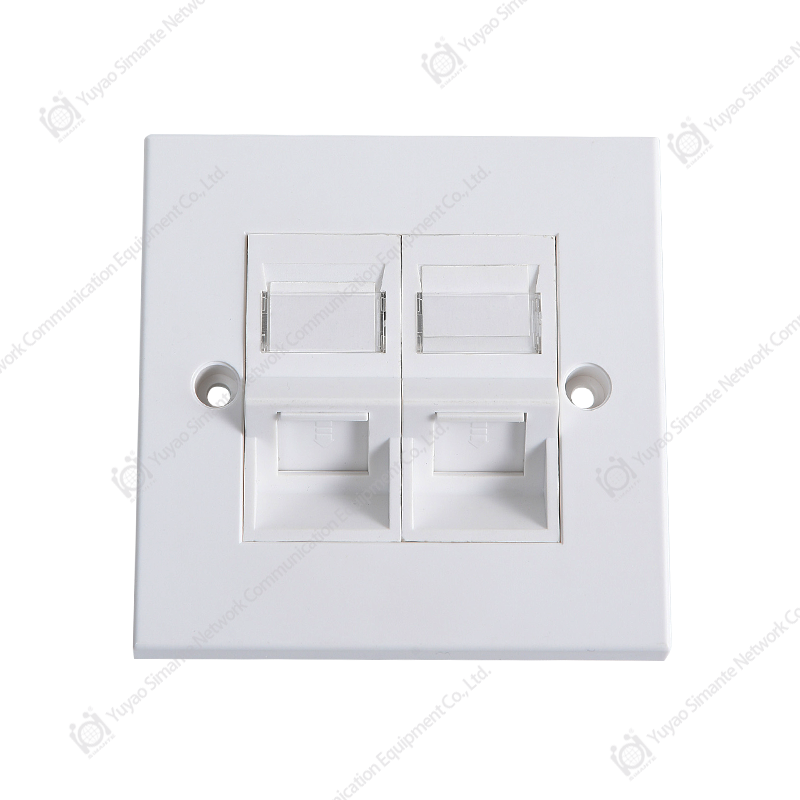
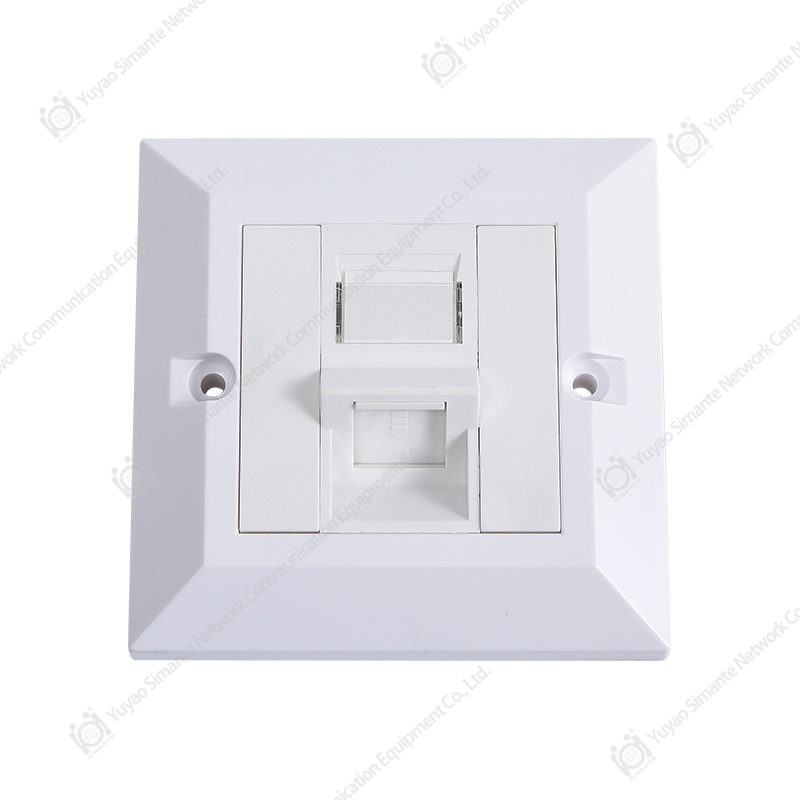
On the back of a typical copper patch panel you will find rows of insulation displacement contacts, usually in a 110-style layout. A punchdown tool presses each wire pair into a metal slot that cuts through the insulation and makes contact without stripping, soldering, or using screw terminals. Some panels are modular and accept snap-in keystone jacks instead, which is convenient when you want to mix categories or replace a single port. A third option, the pass-through panel, simply carries an RJ45 jack on the rear that is wired straight through to the front port.
The front side: numbered ports and patch cords
The front face of the panel carries RJ45 ports in groups of 12, 24, or 48. Each port is connected internally to exactly one rear termination position. Once the horizontal cables are terminated on the back, you connect the front ports to the switch with factory-made patch cords, typically between 0.5 and 3 metres long.
In a fiber optic patch panel, the same idea applies, but the rear is an adapter plate paired with a splice tray or field-terminated connectors, and the front accepts LC, SC, or ST connectors.
- The workstation sends data through a patch cable to a wall outlet, which is a keystone jack behind a faceplate.
- The horizontal cable runs from that outlet through the building to the network rack.
- The horizontal cable is terminated on the rear of the patch panel, using punchdown, keystone, or pass-through termination.
- The patch panel carries the signal internally from the rear termination to the matching front port.
- A short patch cord connects the front port to a switch or router port.
- The switch processes the data and forwards it across the network.
| Termination style | How it works | Main advantage | Best suited for |
|---|---|---|---|
| 110 punchdown | Wire pairs are pressed into IDC slots with a punchdown tool | Dense, durable, low cost per port | Enterprise wiring closets |
| Keystone or modular | Pre-terminated keystone jacks snap into openings in the panel | Flexible mix of categories in one panel | Offices and smart homes |
| Pass-through or feed-through | Rear RJ45 jacks are wired straight through to the front | Tool-less and fast to re-terminate | Small racks and quick projects |
Common Types of Patch Panels and Their Characteristics
Not all patch panels are the same. The right choice depends on the cable media, the installation method, and how often you expect to change connections.
Copper patch panels
- Blank patch panels: an empty steel plate that accepts separate keystone jacks or acts as a brush plate for cable entry.
- Punchdown patch panels: fixed ports with 110 IDC termination on the rear, the standard choice for professional structured cabling.
- Pass-through patch panels: the rear RJ45 jack connects directly to the front port, so installation takes seconds per port.
- Keystone patch panels: accept snap-in modules in different categories, letting you combine CAT5E, CAT6, and even fiber adapters in one unit.
Port counts follow a clear pattern: 12-port panels suit small offices, 24-port panels fit typical distribution racks, and 48-port panels maximize density in data centers. For a quick visual sense of the range:
- 12-port panel — small office or retail site, usually paired with a 12-port switch.
- 24-port panel — the standard building block for wiring closets and server rooms.
- 48-port panel — high-density racks, often with angled ports and integrated cable managers.
Fiber optic patch panels
Fiber optic patch panels use adapter plates instead of RJ45 ports. Each adapter accepts a fiber connector on the front, while the rear holds either a pigtail splice or a factory-terminated connector. They protect splices, organize backbone fibers, and provide a clean interface between outside plant cables and active switches.
| Characteristic | Copper patch panel | Fiber optic patch panel |
|---|---|---|
| Termination | 110 punchdown or keystone jack | Adapter plate with splice tray |
| Media | UTP or FTP twisted pair | Single-mode or multimode fiber |
| Port density | 12 to 48 RJ45 ports per 1U | 12 to 48 fibers per 1U, often LC duplex |
| Typical role | Horizontal cabling to end devices | Backbone links between floors or buildings |
Matching the Patch Panel to the Cable Rating
A patch panel is only as good as the weakest link in the channel. If you install CAT6 cable and CAT6 jacks but use an untested or mismatched patch panel, the entire channel may fail to certify at 250 MHz. That is why installers and network managers look for panels that carry the same category claim as the cable run.
| Category | Bandwidth | Typical supported rates | Where it fits |
|---|---|---|---|
| CAT5E | 100 MHz | 1 GbE up to 100 m | Cost-driven office networks |
| CAT6 | 250 MHz | 1 GbE, 10 GbE up to about 55 m | Mainstream enterprise cabling |
| CAT6A | 500 MHz | 10 GbE up to 100 m | Data centers and future-proof builds |
For a typical office network, a CAT6 patch panel offers the best balance between price and headroom. If the project calls for 10 GbE to the desk, or a backbone that must handle more Power over Ethernet current, choose a CAT6A patch panel, which also handles alien crosstalk better in dense racks. For short links or budget-limited jobs, CAT5E panels remain a dependable choice as long as every component in the channel is rated accordingly.
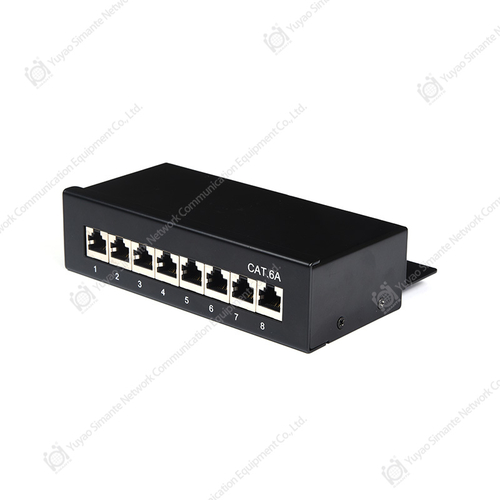 Custom CAT6A Patch Panel Manufacturers, Suppliers, FactoryAs CAT6A Patch Panel manufacturers, suppliers and factory in China, Yuyao Simante Network Communication Equipment Co., Ltd custom wholesa...View Product →
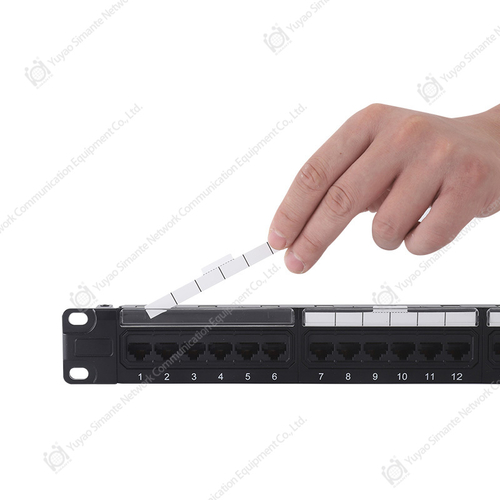 Smartyy: Patch Panel CAT6 Manufacturer&Supplier in ChinaChina Patch Panel CAT6 manufacturer SMARTYY provides kinds of Patch Panel. Patch panels are most commonly found in Ethernet networks, mak...View Product →
Why Use a Patch Panel? Benefits and Real Scenarios
The value of a patch panel becomes obvious the first time you troubleshoot a dead link. Instead of climbing behind the switch with a toner, you look at the labels on the front panel and swap the patch cord. The benefits are practical, not theoretical.
- Organized racks: numbered ports and horizontal cable managers keep cabling tidy and traceable.
- Switch protection: permanent cables are never plugged directly into switch ports, so there is less strain and less wear.
- Faster troubleshooting: you can isolate faults between the permanent link and the patch cord in seconds.
- Simple moves, adds, and changes: re-patching the front of a panel takes less than a minute.
- One test point: a patch panel gives you a fixed location to test the whole permanent channel.
Application scenarios and selection focus
The best panel for a project depends on the environment. The table below connects the most common installation scenarios with the features that matter most in each one.
| Enterprise wiring closet or IDF High port counts, tidy cable management, and repeatable terminations are the priorities. Unshielded 24 or 48-port punchdown panels are the standard. |
Selection focus Density, category rating, easy labelling, and compatibility with the horizontal cable used in the building. |
| Data center top-of-rack Links are short but dense, and high bandwidth matters. Pass-through or shielded CAT6A panels and fiber panels sit at the top of each rack. |
Selection focus High density, shielded bodies, pass-through design, and support for 10 GbE or fiber connections. |
| Smart home or small office Fewer data points, wall-mount or compact cabinets, and clean aesthetics matter more than absolute density. |
Selection focus Small panels from 8 to 12 ports, keystone compatibility, and simple surface-mount or wall-mount installation. |
| Industrial or automation sites Vibration, dust, and electrical noise demand rugged components and shielded cabling. |
Selection focus Shielded panels, robust metal housings, and CAT6A or higher performance to handle automation traffic. |
How to Wire and Maintain a Patch Panel
Correct installation determines how well a patch panel performs over years of service. The process is simple, but when it comes to patch panel wiring, small mistakes, such as untwisting pairs too far or following the wrong color code, will create re-transmissions and certification failures.
Basic punchdown procedure
- Strip about 50 mm of jacket from the end of the horizontal cable, taking care not to nick the conductors.
- Untwist only as much of each pair as required to reach the correct IDC slot, keeping the twist as close to the contact as possible.
- Place the pairs according to the color code printed on the panel label, using T568A or T568B consistently across the whole site.
- Press each pair into its slot with a punchdown tool, with the cutting blade facing outward so the excess wire is trimmed cleanly.
- Verify the termination visually, then test the channel with a cable tester to confirm the wire map, length, and attenuation.
Maintenance practices that keep a panel reliable
- Label both ends of every port and cable with the same reference, such as NN-CC-AABB style labels.
- Use a horizontal cable manager above and below the panel so patch cords do not pull on the ports.
- Respect bend radius limits for both copper and fiber jumpers, avoid tight zip ties, and never crush a cable at the rack edge.
- Re-test the channel after any re-patching activity, especially when PoE devices are involved.
- Replace worn patch cords at the first sign of damage; the panel itself will last for many years if the ports are not stressed.
Fiber Optic Patch Panels: Same Role, Different Termination
Fiber optic patch panels solve the same problem as copper panels, but for light signals. They sit between the backbone fiber cables and the active equipment, providing a stable, protected point where fibers can be terminated, spliced, and patched. A fiber panel typically contains adapter plates and a splice tray. The outside plant cable enters from the rear, each fiber is spliced to a pigtail, and the pigtail connector plugs into the back of an adapter. On the front, a short fiber patch cord connects the adapter to the optical module in the switch.
In smaller installations, field-terminated connectors can replace splicing, especially with mechanical or quick-connect systems. Single-mode panels suit long distances between buildings, while multimode panels fit short, high-bandwidth links inside a data center. Whether you need a simple wall-mount box or a rack-mount panel with 48 fibers, the fiber optic patch panel series covers both termination styles.
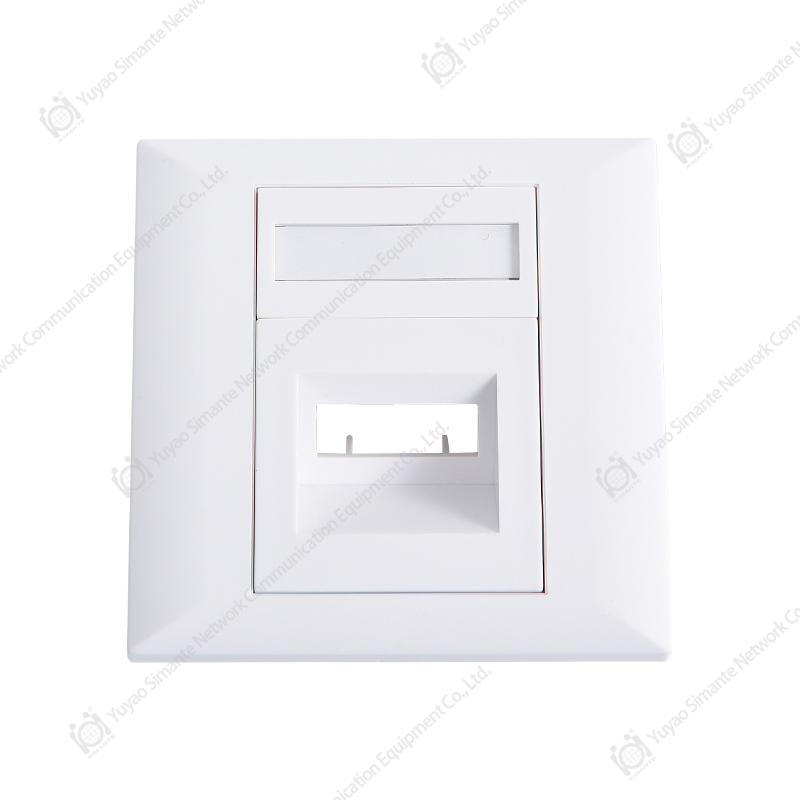 Custom Fiber Series Manufacturers, Suppliers, FactoryAs Fiber Series manufacturers, suppliers and factory in China, Yuyao Simante Network Communication Equipment Co., Ltd custom wholesale Fi...View Product →
What to Check When Buying Patch Panels from a Manufacturer or Wholesaler
When buying from a patch panel supplier or a patch panel wholesaler, the decision goes beyond the datasheet. Patch panels are installed once and expected to perform for 10 to 15 years, so workmanship and batch consistency matter as much as the category rating on the box.
- Contact quality: look for IDC contacts and RJ45 jacks with reliable plating, typically 50 microinches of gold on the contact area, to resist corrosion over a long service life.
- Front-to-back conductor path: pass-through panels rely on PCB traces, so the board design must preserve impedance and crosstalk performance.
- Housing and port mechanical strength: the panel chassis is usually SPCC steel with a strength-tested coating. Ports in flimsy panels break under repeated re-patching.
- Category certification: check that the panel is rated for CAT5E, CAT6, or CAT6A and can be certified as part of the channel.
- Custom options: many projects need a specific port count, silk-screened numbering, custom color, or private label. An experienced network patch panel manufacturer accepts these requirements on standard and custom production lines.
- Supply stability: if you buy as a distributor or reseller, a partner that maintains stable output and exports to more than 45 countries, as we do at Simante since 2005, reduces resourcing risk on large projects.
Because our factory has designed and produced network cabling components for nearly two decades, we have seen patch panel problems from the manufacturing side: plating that peels, IDC slots that lose grip, and port counts that do not match rack units. Choosing a supplier with engineering support avoids these hidden costs.
Related Reading from the Simante Knowledge Base
If you want to go deeper into the components around a patch panel, these articles from our team cover the basics of network cabling:
- What is a patch panel — a plain-language introduction to the device and its role in the network.
- What is a keystone jack — how the modular jack behind a faceplate completes the data point.
- Why the CAT6 patch panel is versatile — use cases for the most popular copper panel category.
Frequently Asked Questions About Patch Panels
These are the questions we answer most often as a patch panel manufacturer and supplier for network projects around the world.
-
How do patch panels work with a switch?
Each front port on the patch panel is the extension of one horizontal cable terminated on the back. A short patch cord connects that front port to a switch port, so the switch reaches the wall outlet through the panel. The panel itself is transparent to the data; the switch simply sees a normal Ethernet link.
-
Do patch panels need power to work?
No. A standard copper patch panel is a passive component. It does not need a power supply, and it does not amplify or regenerate signals. Power over Ethernet passes through the panel without issue, as long as the panel category supports the current requirements of the connected devices.
-
What is the difference between punchdown and pass-through patch panels?
A punchdown panel requires you to press each wire pair into an IDC slot with a punchdown tool. A pass-through panel has an RJ45 jack on the rear connected directly to the front port, so you can terminate a cable with a standard RJ45 plug and click it in. Punchdown panels are denser and more durable; pass-through panels are faster to install and easier to re-do.
-
Can a patch panel improve signal quality?
No. A patch panel can only avoid making the signal worse. If every component in the channel has the same category rating and the installation follows the rules, the channel performs as designed. If the panel is a lower category than the cable, it becomes the weak link and can cause lower data rates or packet errors.
-
How many ports should a patch panel have?
Count the data points that need to reach the rack, then add spare capacity. A small office often needs one 12-port panel, a normal wiring closet one or two 24-port panels, and a data center rack one or two 48-port panels. Angled and high-density panels help when rack space is tight.